
Trade Show Video Strategy for B2B Tech and Industrial Brands
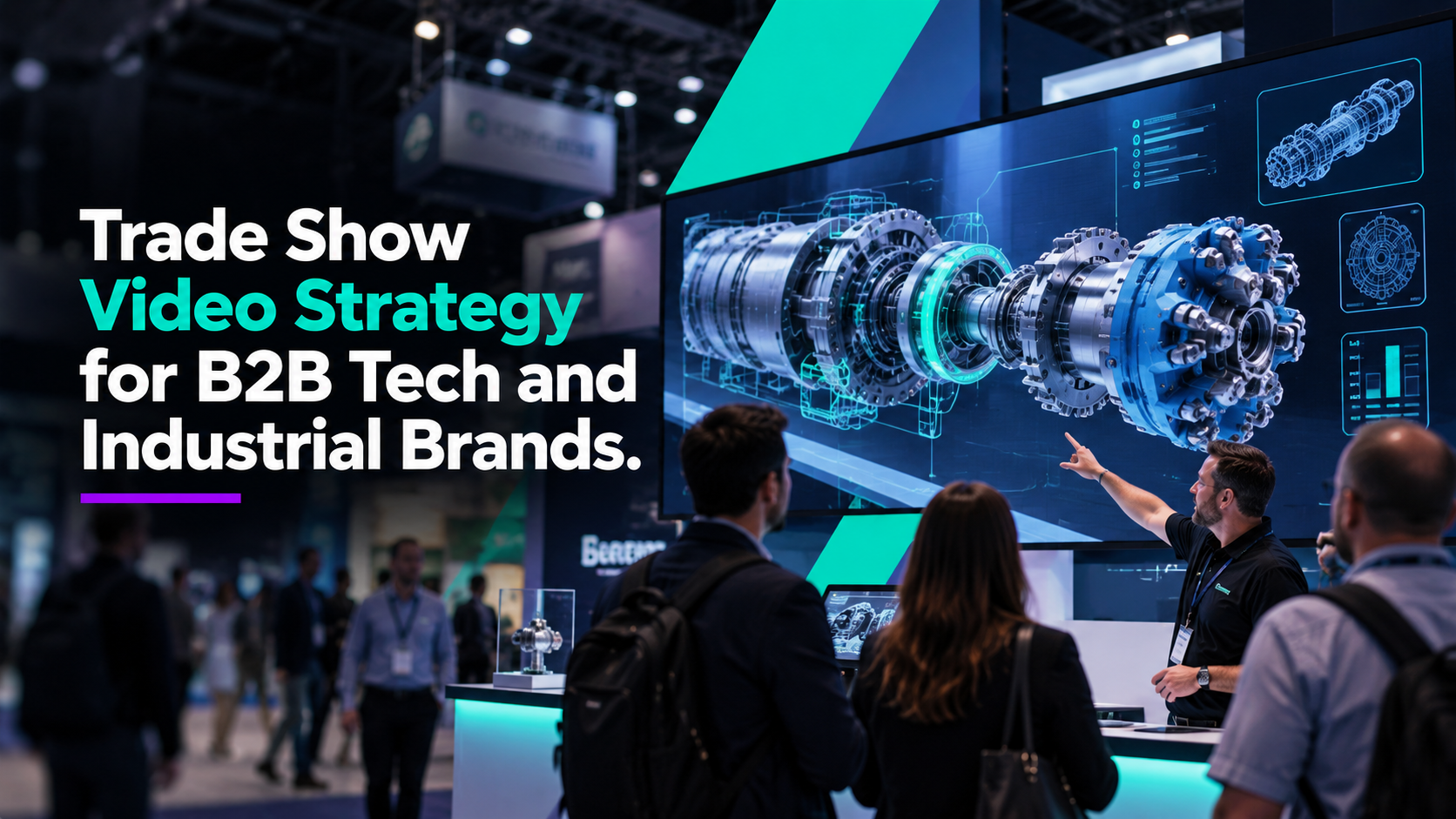
Your Trade Show Video Has a Different Job Than Your Website Video
A trade show floor is loud, crowded, and distracting. People are walking past dozens—or hundreds—of booths. They’re talking to coworkers, checking their phones, looking for their next meeting, and trying to decide which booth is worth stopping at.
That means your trade show video may only have a few seconds to get their attention.
Yet we often see companies take a corporate overview or product video created for the website, put it on a giant screen, and call it trade show content. Sometimes that works. Often, it doesn’t.
A trade show video needs to be designed for the environment where it will actually be seen.
Start With What Someone Can Understand From Across the Aisle
At a conference, the first question shouldn’t be:
“What should the voiceover say?”
It should be:
What can someone understand before they ever walk into the booth?
Strong trade show content typically relies on clear movement, strong imagery, short messaging, and visuals that can be understood from a distance.
For a technology or industrial company, that might include:
- A 3D product reveal
- An exploded view
- A side-by-side comparison
- An animated process
- A product operating in its environment
- A before-and-after workflow
- A dramatic visualization of something customers normally can’t see
You’re trying to create the visual equivalent of:
“Wait. What is that?”
That moment gives your sales team an opportunity to start a conversation.
Assume Most People Won’t Hear the Audio
Trade show audio is unpredictable. Even if your booth has speakers, the room may be too loud for visitors to hear them clearly. That means the core message should still work without sound. Voiceover can be valuable, especially if the video will later live on your website or YouTube, but your trade show version should not depend entirely on it.
Think:
“Smaller crew.”
Instead of:
“Our innovative solution allows organizations to substantially reduce the number of personnel required during the installation process.”
People walking past a booth aren’t reading paragraphs. The visuals need to do more of the work.
Use Video to Help Sales Explain Complicated Products
Trade show video shouldn’t only attract attention. It can also make the sales conversation easier. Think about the technical concept your team explains over and over again.
Maybe your salesperson regularly says:
“You really need to see what happens inside the system.”
Or:
“The difference is how the connector installs.”
Or:
“Our software takes information from several systems and brings everything together.”
Those are excellent candidates for visualization. Instead of asking a prospect to imagine what’s happening, your sales team can simply point to the screen.
This is especially valuable for industrial equipment, software, energy technology, engineering systems, medical technology, and other products that are difficult to understand from the outside.
Design Around the Actual Screen
Before production starts, find out exactly where the video will play. A massive LED wall requires different creative decisions than a television mounted behind the reception counter.
Ask:
What is the screen resolution?
What is the aspect ratio?
How large will it be?
How far away will viewers stand?
Will people or furniture block part of the screen?
Will there be multiple screens?
Does the video need to loop seamlessly?
These details affect typography, composition, framing, animation speed, and where important information appears. Your production team should know about the booth before the video is almost finished.
Don’t Try to Explain Everything
Your trade show video does not need to replace the salesperson. It needs to support them. Trying to put every benefit, specification, feature, application, certification, and product variation into a 60-second loop usually creates visual noise. Choose a few things you want the audience to remember. Then let the booth conversation go deeper.
Build It So You Can Use It After the Show
The trade show lasts three days. The content shouldn’t.
A well-planned trade show production can potentially create:
A hero video for the product page.
Short LinkedIn clips.
A sales presentation sequence.
A 15-second paid ad.
Website background footage.
Vertical content.
Conference screen graphics.
Product feature videos.
That is especially important when the project involves 3D animation. Once the product has been modeled and animated, those assets may be useful well beyond the original booth.
Trade Show Video Is Part of the Booth Experience
Your booth design, signage, product demos, sales team, and video should all be telling the same story. When they work together, the screen becomes more than decoration. It becomes a communication tool.
At Control Shift Video, we create trade show video, motion graphics, live-action content, and 3D animation for technology and industrial companies that need complicated products to make sense quickly.
Because on a crowded trade show floor, clarity gets attention.
Ready to Transform Your Video Content
Discover how Control Shift Video can elevate your brand's visual storytelling