
How to Make a SaaS Explainer Video That Actually Holds Attention
Your Software Makes Sense to You
That's part of the problem. Your team lives inside the platform every day. You know what the dashboard does. You know why a particular workflow matters. You understand the terminology, the integrations, and the tiny feature your development team spent six months perfecting. Your prospective customer doesn't.
A good SaaS explainer video closes that gap.
But there's an important distinction: An explainer video is not necessarily a software demo.
Don't Start With the Dashboard
A common approach to SaaS video goes something like this:
"Welcome to Platform X."
Login screen.
Dashboard.
Cursor moves.
"Click here."
New screen.
"Then click here."
More screens.
By the time the audience understands what the product actually accomplishes, you've already lost them.
Before showing how your software works, establish why the viewer should care.
What problem are they experiencing?
What becomes faster, easier, safer, more profitable, or less frustrating after your platform enters the picture?
The interface supports the story. It shouldn't be the entire story.
Sell the Transformation Before the Feature
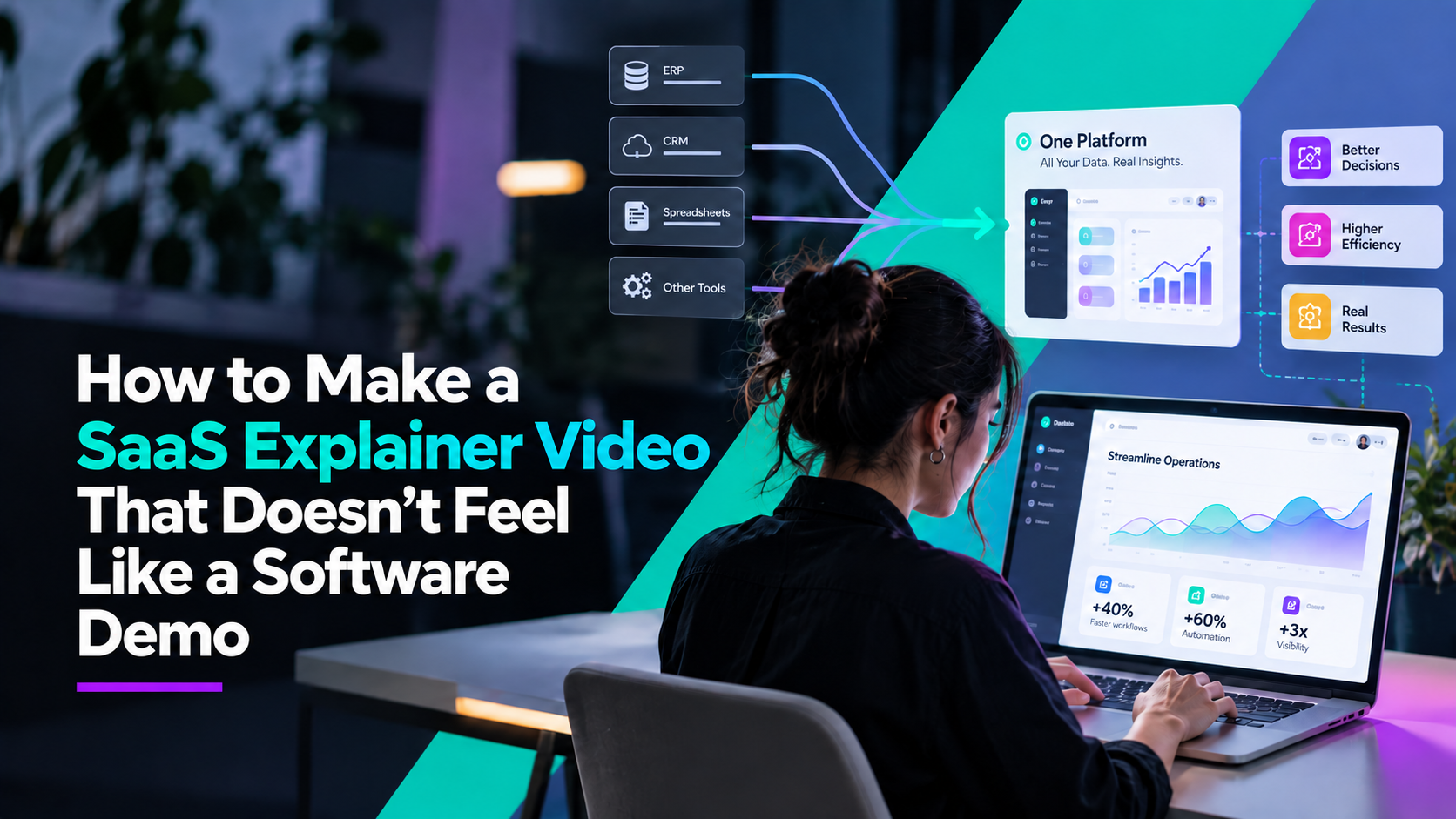
Imagine your software connects several disconnected data systems. You could start by showing every integration.
Or you could begin with the actual business problem:
Critical information is scattered across multiple systems, forcing teams to spend time searching, verifying, and manually transferring data.
Now your audience knows why the product matters. Then you can show how the platform solves it. This structure works especially well for complicated B2B software because customers rarely buy software just because a feature exists.
They buy the outcome that feature creates.
Decide What the Video Needs to Accomplish
Different SaaS videos serve different purposes.
A top-of-funnel explainer may need to communicate the entire idea in 60–90 seconds.
A sales video might focus on a single pain point.
An onboarding video can go deeper into functionality.
A product launch video may focus heavily on what's new.
Before production begins, define the job of the video. Trying to make one video accomplish awareness, education, onboarding, sales, training, and technical support usually creates a very long video that does none of them particularly well.
Simplify the Interface When Necessary
Screen recordings have their place, but they aren't always the clearest way to communicate software. Real interfaces may include navigation, controls, menus, numbers, notifications, and data that are irrelevant to the specific point you're making.
Motion design can isolate the important part of the experience. Instead of asking viewers to figure out where they should look, animation directs their attention.
Highlight the button.
Enlarge the result.
Remove the unnecessary menu.
Follow the information as it moves from one system to another.
The goal isn't to misrepresent the software. It's to make the communication clearer.
Speak Like Your Customer
Every industry develops its own language. Internally, that language is efficient. Externally, it can become a barrier.
Review your script for acronyms, technical terms, product names, and phrases your customers may not use themselves.
Then ask a simple question:
Would our customer say this?
The strongest SaaS marketing often sounds less like a technical document and more like a knowledgeable person explaining the product to another knowledgeable person. Clear doesn't have to mean dumbed down.
Build Modular Content
SaaS products change. Your video strategy should anticipate that.
Rather than creating one enormous video that becomes obsolete after the next interface update, consider creating modular sections.
For example:
Problem → Solution → Workflow → Results → CTA
Individual sections may be easier to update or repurpose later.
You may also be able to create shorter pieces from the same production:
- Feature videos
- LinkedIn clips
- Paid ads
- Sales enablement videos
- Website headers
- Conference content
- Customer education
- Product update announcements
Your main explainer becomes the foundation rather than the only deliverable.
Make Complex Software Feel Simple
Your SaaS product may actually be complicated. That's okay. Complexity is often why the product exists in the first place.
The job of a SaaS explainer video isn't to pretend that complexity doesn't exist. It's to guide the viewer through it in the right order.
At Control Shift Video, we create video, animation, and 3D content for SaaS and technology companies that need to explain complicated products without burying the audience in features.
Because your prospective customer doesn't need to understand everything in 90 seconds. They need to understand enough to want the next conversation.
Ready to Transform Your Video Content
Discover how Control Shift Video can elevate your brand's visual storytelling