
Customer Training Videos: When Video Is Better Than Another PDF
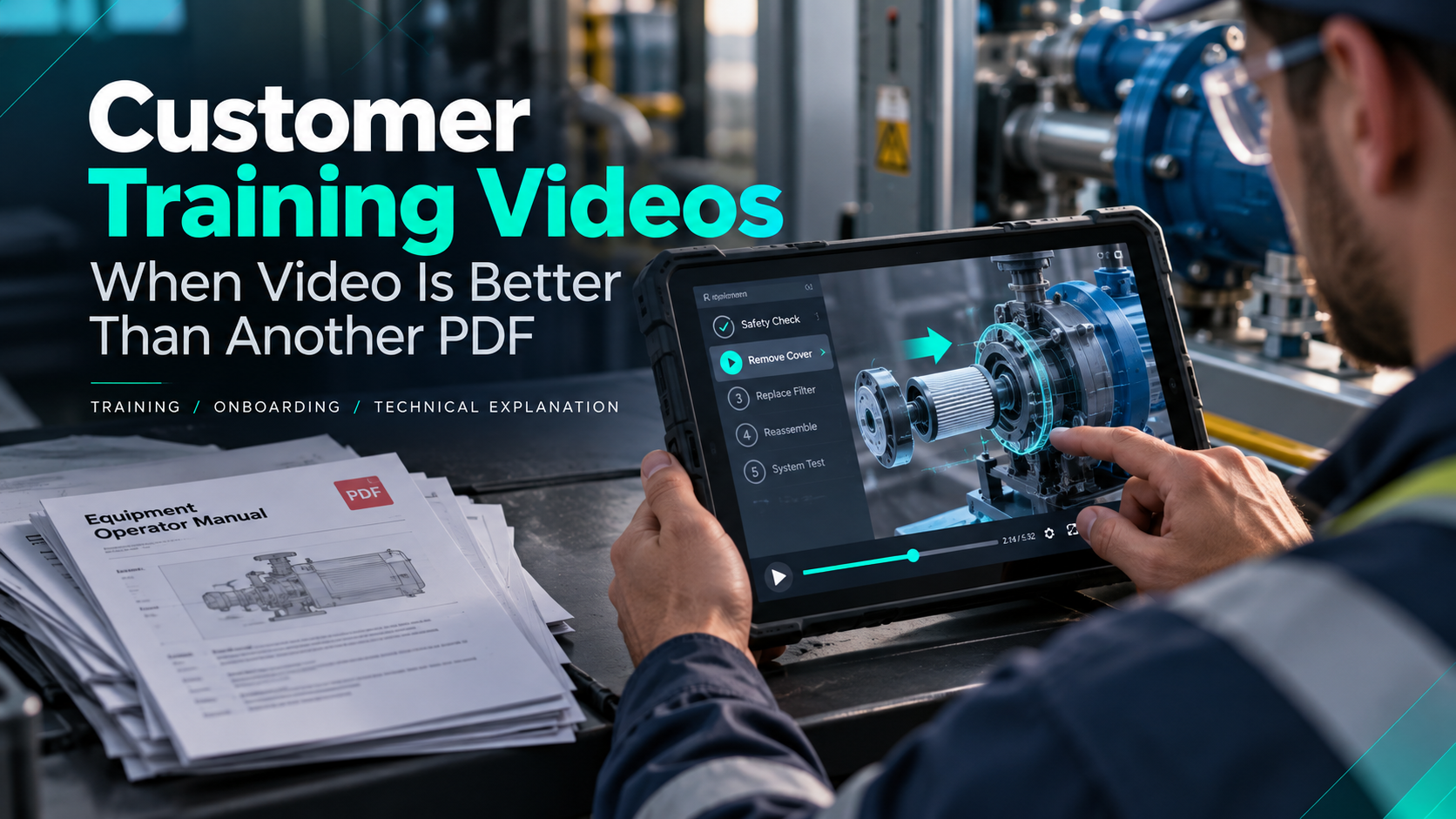
Some Things Are Hard to Learn From a PDF
Imagine trying to install a complicated piece of equipment using:
Page 1.
Diagram 4B.
Three paragraphs.
A warning box.
Another diagram.
Then a photo taken from an angle that looks completely different from what you see in front of you.
Documentation is often necessary.
But sometimes the clearest way to teach something is to show it.
That is where training video becomes especially useful.
Video Is Powerful When Movement Matters
A static image can show where a component goes.
Video shows how it gets there.
Training video is particularly useful when the user needs to understand:
- Sequence
- Movement
- Timing
- Orientation
- Physical relationships
- User interaction
- Software workflow
That can make installation, maintenance, assembly, onboarding, and technical procedures easier to understand.
Use Animation When the Camera Can’t Show the Step
Training content does not have to be entirely live action.
Sometimes the important part happens inside the product.
Animation can:
Make the housing transparent.
Separate components.
Zoom into a connection.
Reveal an internal mechanism.
Highlight the correct part.
Show the user what is happening before they attempt the procedure themselves.
For technical products, combining live action and animation can be particularly powerful.
Live action shows what the user actually sees.
Animation shows what they cannot.
Create a Consistent Training Experience
In-person instruction can vary.
One trainer emphasizes one detail.
Another explains something differently.
A customer in one region receives excellent training.
Another gets the shortened version.
Video establishes a consistent baseline.
Everyone receives the same core information.
That does not eliminate instructors or support teams.
It simply makes the fundamentals repeatable.
Break Training Into Modules
One 45-minute training video may be less useful than six short modules.
Think about how the customer will actually find information.
You may create:
- Getting started.
- Installation.
- Safety.
- Configuration.
- Daily operation.
- Troubleshooting.
- Maintenance.
Now users can go directly to the section they need.
If someone needs help replacing one component, they should not have to scrub through an entire training session.
Design for the Person Doing the Work
Training content should prioritize usability.
- Can the viewer see the part clearly?
- Is the camera angle helpful?
- Are labels readable?
- Does the animation move slowly enough?
- Is the terminology consistent with the manual?
- Are warnings obvious?
Training video is not the place to sacrifice clarity for flashy creative direction. It can still look polished, but usefulness comes first.
Consider Multilingual Audiences Early
Technical companies often serve customers across several regions.
Training content may need:
- Translated voiceover.
- Subtitles.
- On-screen translations.
- Alternate versions.
- Graphics that work across languages.
Localization becomes much easier when it is planned from the beginning. If every visual contains English text baked directly into the animation, creating another language version later becomes harder.
Video and Documentation Can Work Together
Video does not need to replace the manual. Different formats serve different purposes. A video can demonstrate the procedure.
A PDF can contain:
- Torque specifications.
- Warnings.
- Part numbers.
- Checklists.
- Reference tables.
The strongest training systems often use both.
Look at Your Support Questions
If your support team answers the same customer question constantly, that may indicate a training opportunity. The goal is not to stop customers from contacting support. It is to give them an easy self-service option when they want one. A two-minute explanation may prevent fifteen minutes of confusion.
Show It Once. Use It Repeatedly.
Good training takes time. Video allows your strongest explanation to keep working.
At Control Shift Video, we create training and onboarding content using live action, motion graphics, and 3D animation to help customers understand how products and processes actually work.
Sometimes another PDF is necessary. Sometimes pressing play makes much more sense.
Ready to Transform Your Video Content
Discover how Control Shift Video can elevate your brand's visual storytelling